
My Plugins
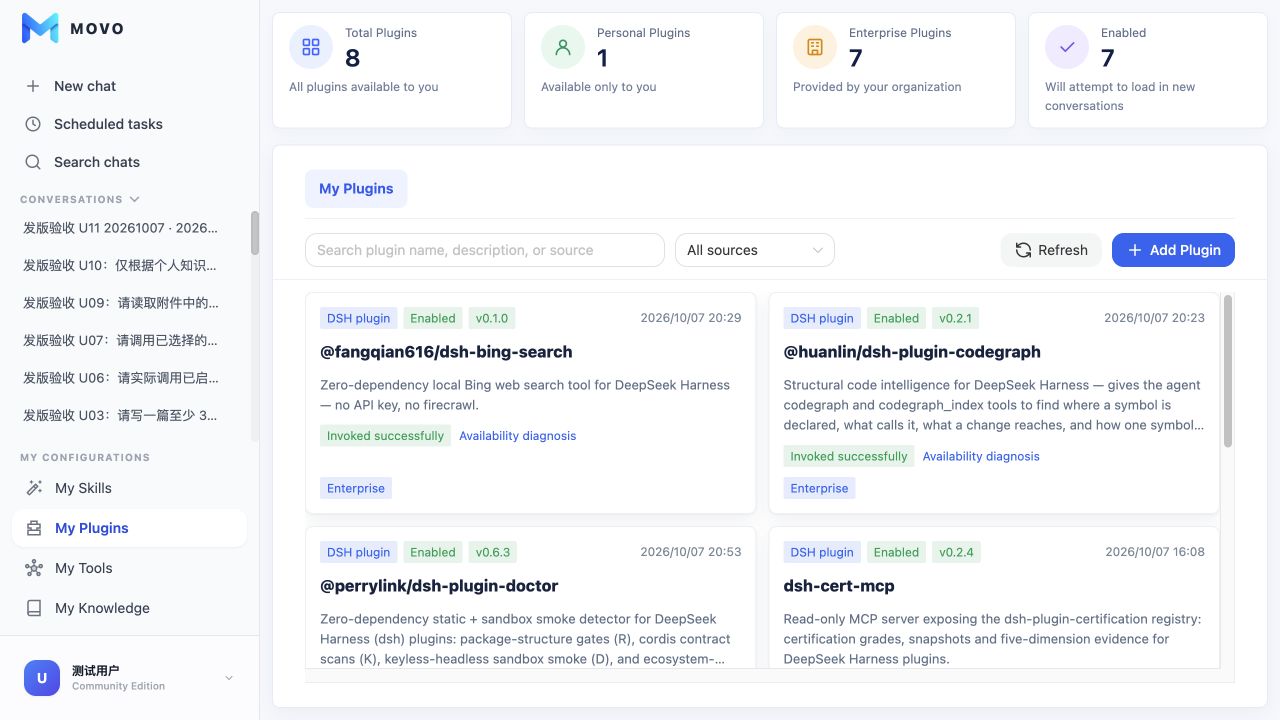
My Plugins shows every DSH plugin available to the current user: enterprise plugins provided by administrators and personal plugins available only to their owner. Plugins bring tools from the DSH ecosystem into MOVO conversations without requiring users to build or operate a separate Runtime.
Sources and scope
| Source | Installed by | Available to | Managed by |
|---|---|---|---|
| Enterprise | Enterprise administrator | Authorized organization members | Administrators; users can view and use it |
| Personal | Current user | Current user only | Current user |
Both sources appear in one catalog with a source badge. Summary cards show the total, personal, enterprise and enabled counts, while search and source filters help locate a plugin.
Install a personal plugin
Select Add Plugin and choose one of two installation methods:
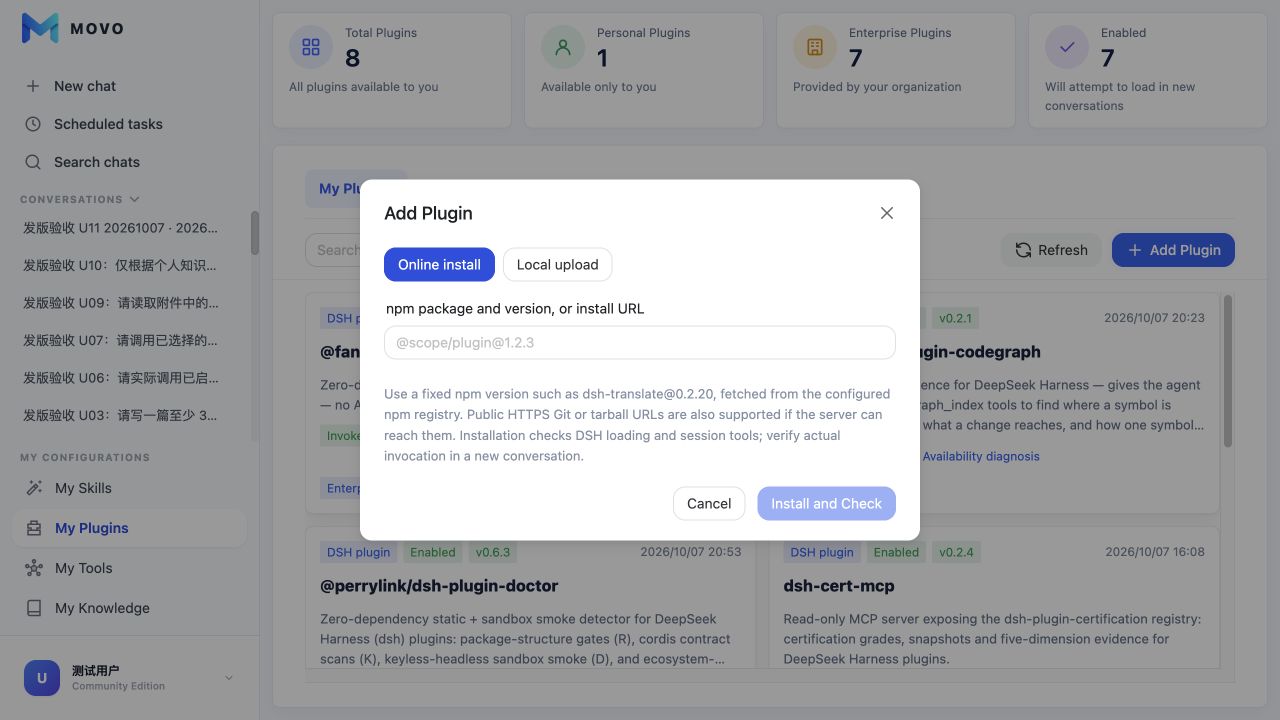
- Online install: Enter a pinned npm package such as
dsh-translate@0.2.20, or a public HTTPS Git or tarball URL that the server can reach. - Local upload: Upload a
.tgzor.tar.gzbundle up to 100 MiB.
After installation, MOVO checks the package, DSH Runtime loading and session tool discovery. A successful installation does not prove the business call works; invoke a plugin tool in a new conversation to complete that verification.
Availability states
- Invoked successfully: At least one plugin tool completed successfully in a MOVO conversation.
- Visible in session · invocation untested: Tools are exposed to the session, but no real invocation has been verified.
- Unavailable in session: DSH discovered the plugin, but MOVO did not expose every expected tool.
- Runtime loading failed / Check failed: The package, dependency, Runtime or package-source connection failed.
- Unverified: The installation has not yet completed availability assessment.
Open Availability diagnosis to review bundle installation, Runtime loading, session discovery and actual invocation checks, together with the detected tool names. Do not enable a plugin while its checks are failing.
Use a plugin in a conversation
- Confirm that the plugin is enabled and, for an enterprise plugin, that you have access.
- Start a new conversation. Enablement changes apply when a new session Runtime is created.
- Describe the goal; name the plugin or tool when the task must use a specific capability.
- Review execution activity to confirm that the tool was actually called rather than receiving a model-generated approximation.
Plugins, Skills and Tools
A plugin is a DSH-loaded extension package that can register one or more tools and other extensions. A Skill captures instructions and workflows. My Tools connects standalone HTTP APIs or MCP servers. A conversation can combine all three.